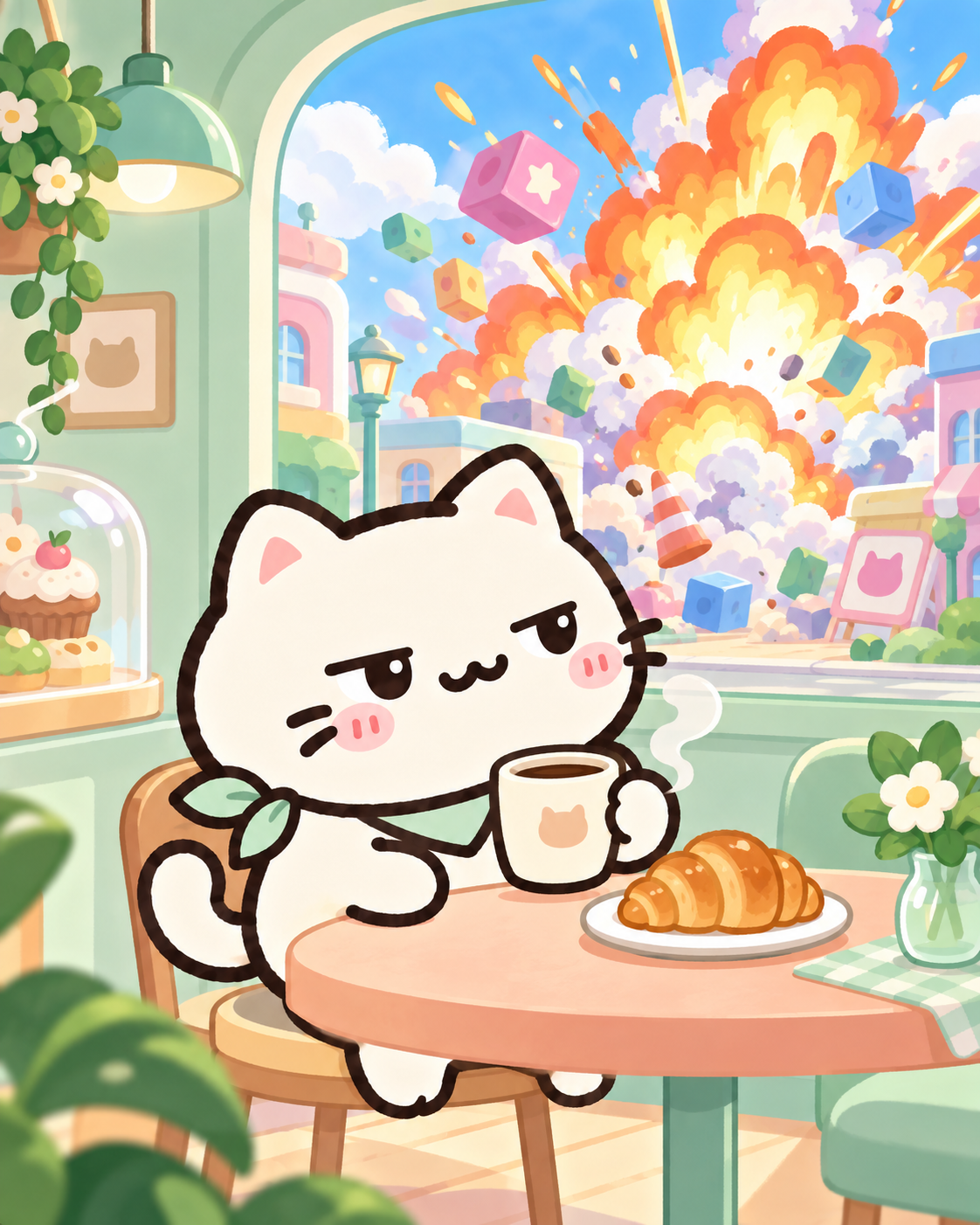
01. Breakfast Break
Just warming up.
One little envelope per local day. Find every design, understand the rotation and check that your collection really saved.
Developer-maintained game guide · Reviewed

Collect one postcard per local calendar day from a rotating catalogue of 20 designs. Open Postcards, choose “Today’s postcard,” then “Open my postcard.” The offer follows the date on your device. Refreshing does not offer another design for the same day.
Biscuit’s postcards are illustrated keepsakes in Idle Cheeky Cat, our original browser game. They sit alongside your medal wall in Collection, but use a different collection rule. You do not need to earn a particular medal, finish a boss, buy a weapon or create an account to open today’s mail.
Choosing “Not now” closes the offer without collecting it. You can return through the album later that same day. The automatic envelope can appear on Home after a campaign clear, but you do not need to wait for that prompt. Manual collection is available from the album, including when the first-play flow has kept the battle screen focused on the game.
There is no combat tradeoff to choosing a favorite postcard: cards do not equip as weapons or add Damage, Fire Rate, coins or Stardust. For those systems, start with Rebirth and upgrades or the weapon catalogue.
The catalogue advances by calendar date, rather than by the number of times you open the game. With 20 current designs, the same design returns every 20 calendar days while this catalogue remains unchanged. It is not a random pull, a login streak or a reward for time spent shooting.
| Situation | What to expect |
|---|---|
| Refresh during the same local day | The same offered card; no extra daily claim. |
| Open after the local date changes | The card assigned to the new day. |
| Skip a day | That day is not automatically collected. Its design returns on a later rotation. |
| Collect a design already in the album | Today is marked collected, but the unique-design total does not increase. |
| Rebirth or finish another level | The daily offer still follows the local date. |
At one new design per day, collecting on 20 consecutive local calendar days covers the current catalogue. Missing a day does not remove cards already collected. It can simply mean waiting until a missing design returns. The catalogue below shows the artwork for reference; reading this guide does not add any cards to your game album.
The numbers match the album’s catalogue order, not the number of days since you started playing. Open an image for a larger view. Titles and captions come from the game’s card catalogue.
Just warming up.

Out of office.

Very productive.

Sent with love.

Making a splash.

Need some space.

Do not disturb.
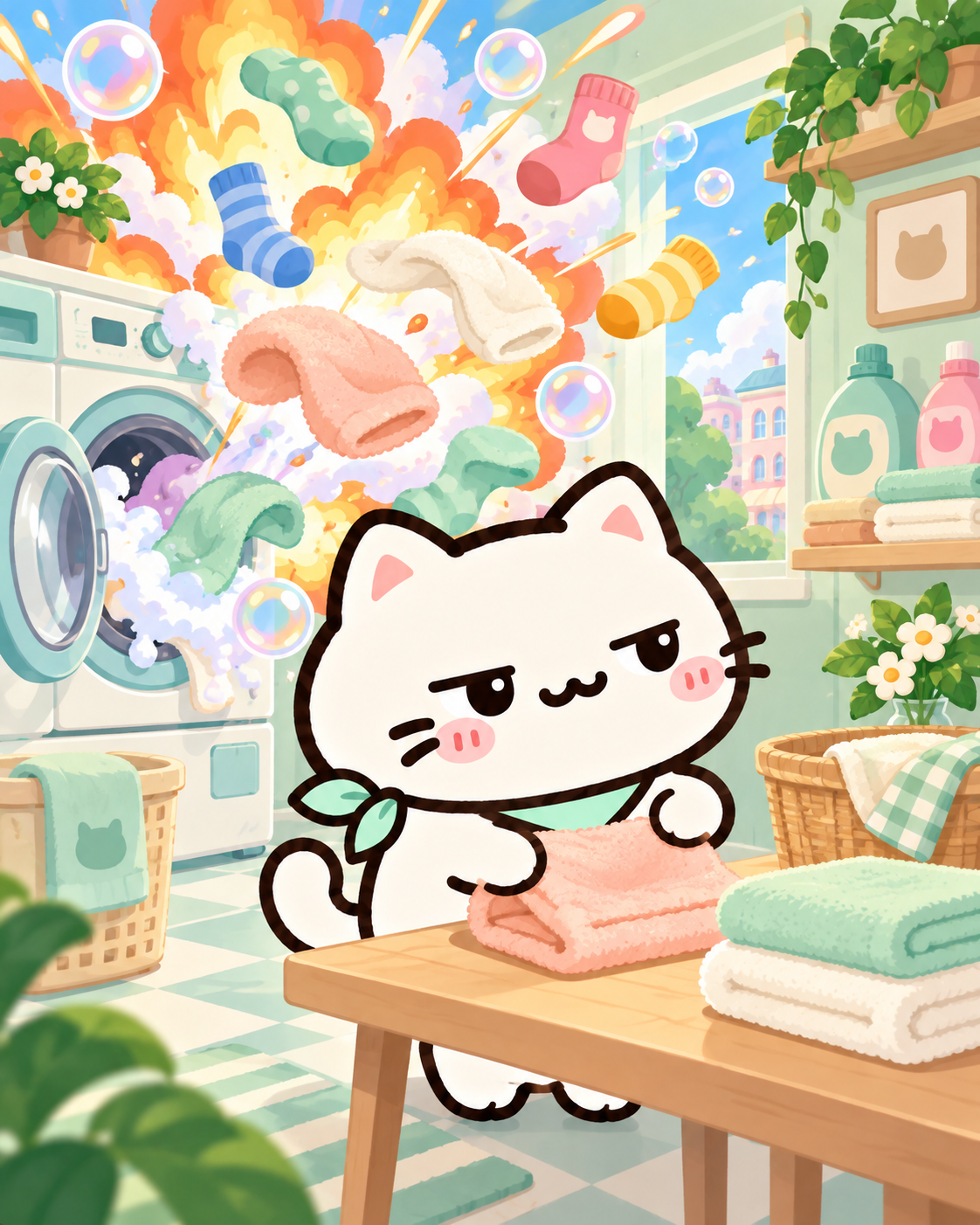
Spin happens.
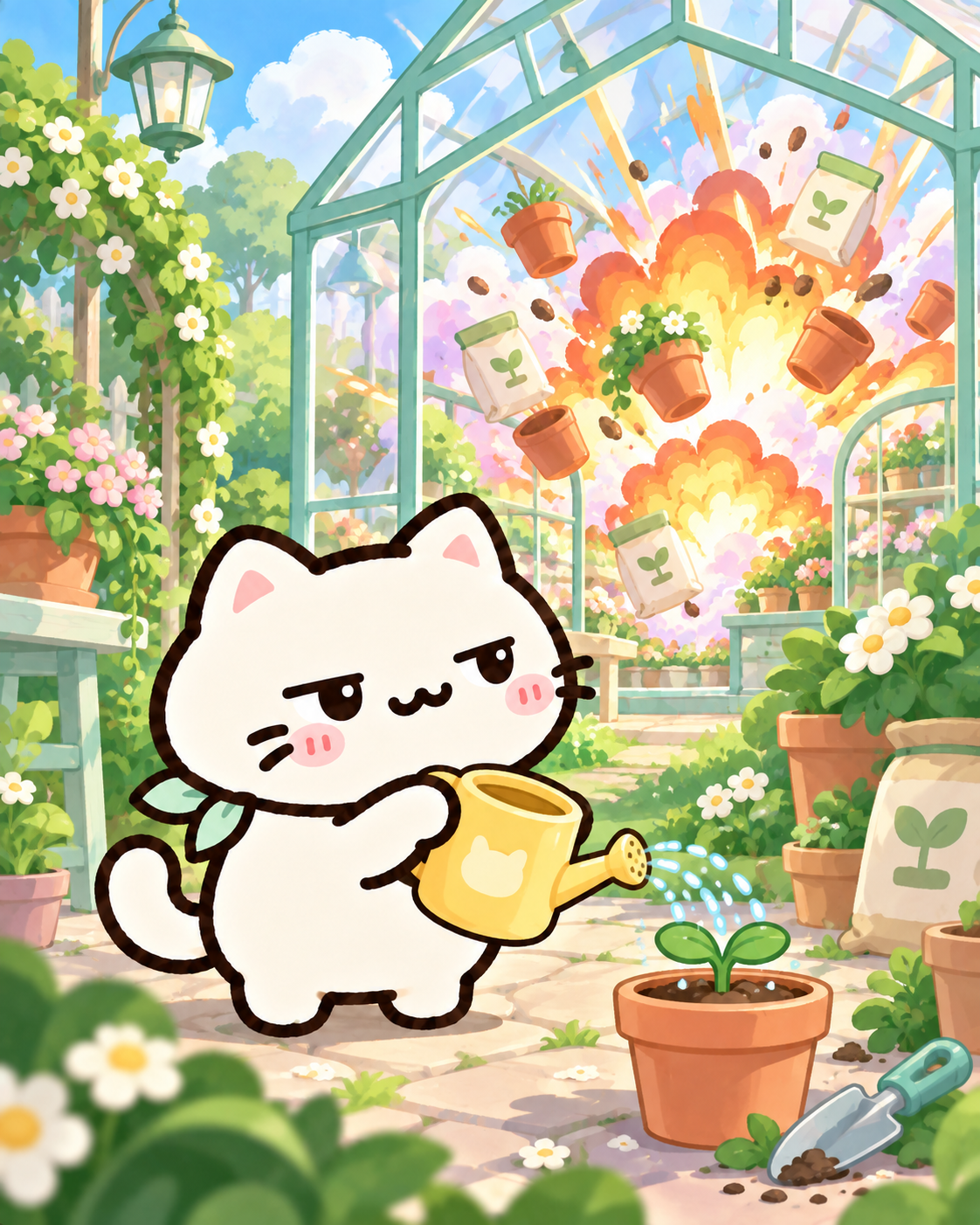
Just growing things.

Only the essentials.
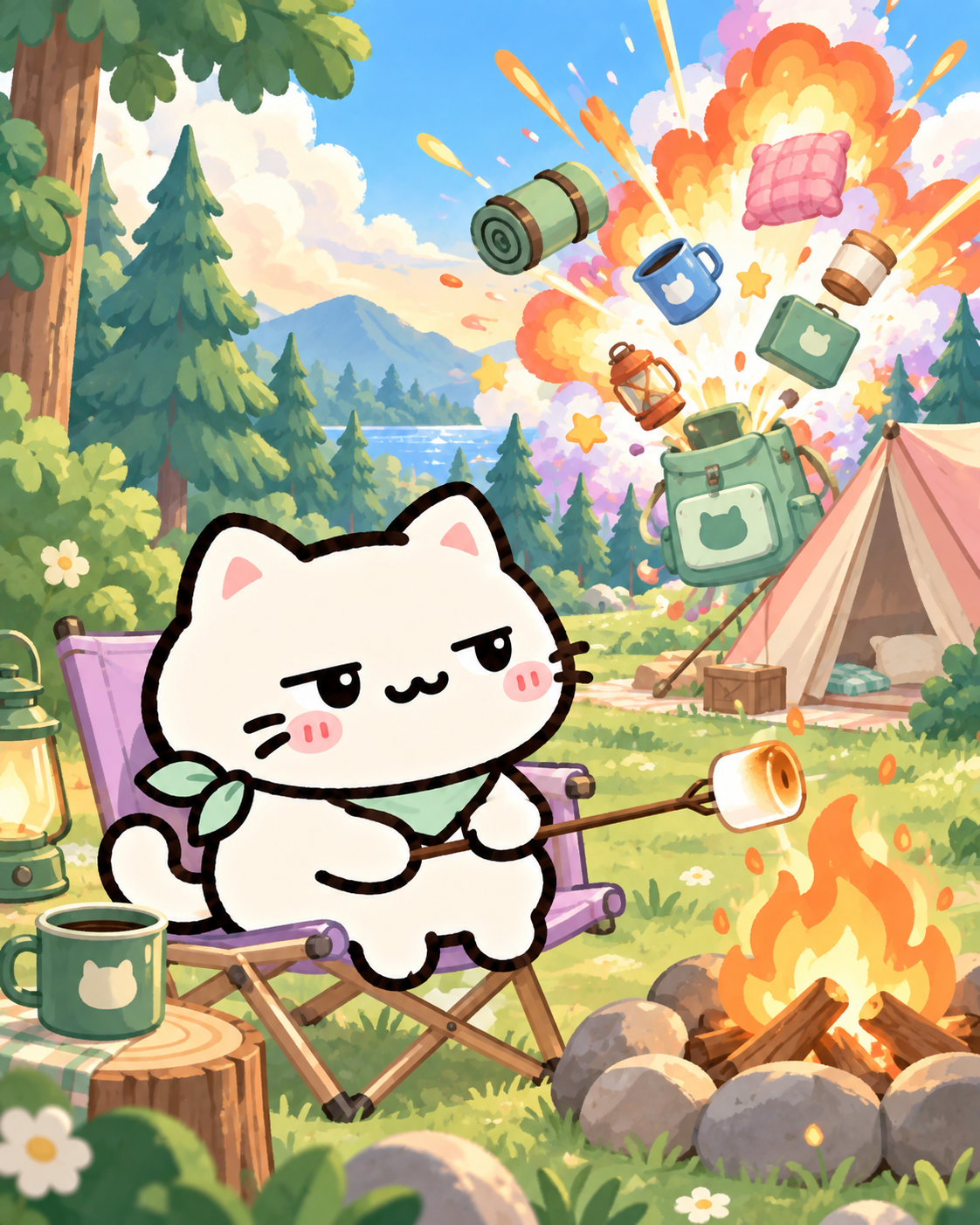
Nature is healing.
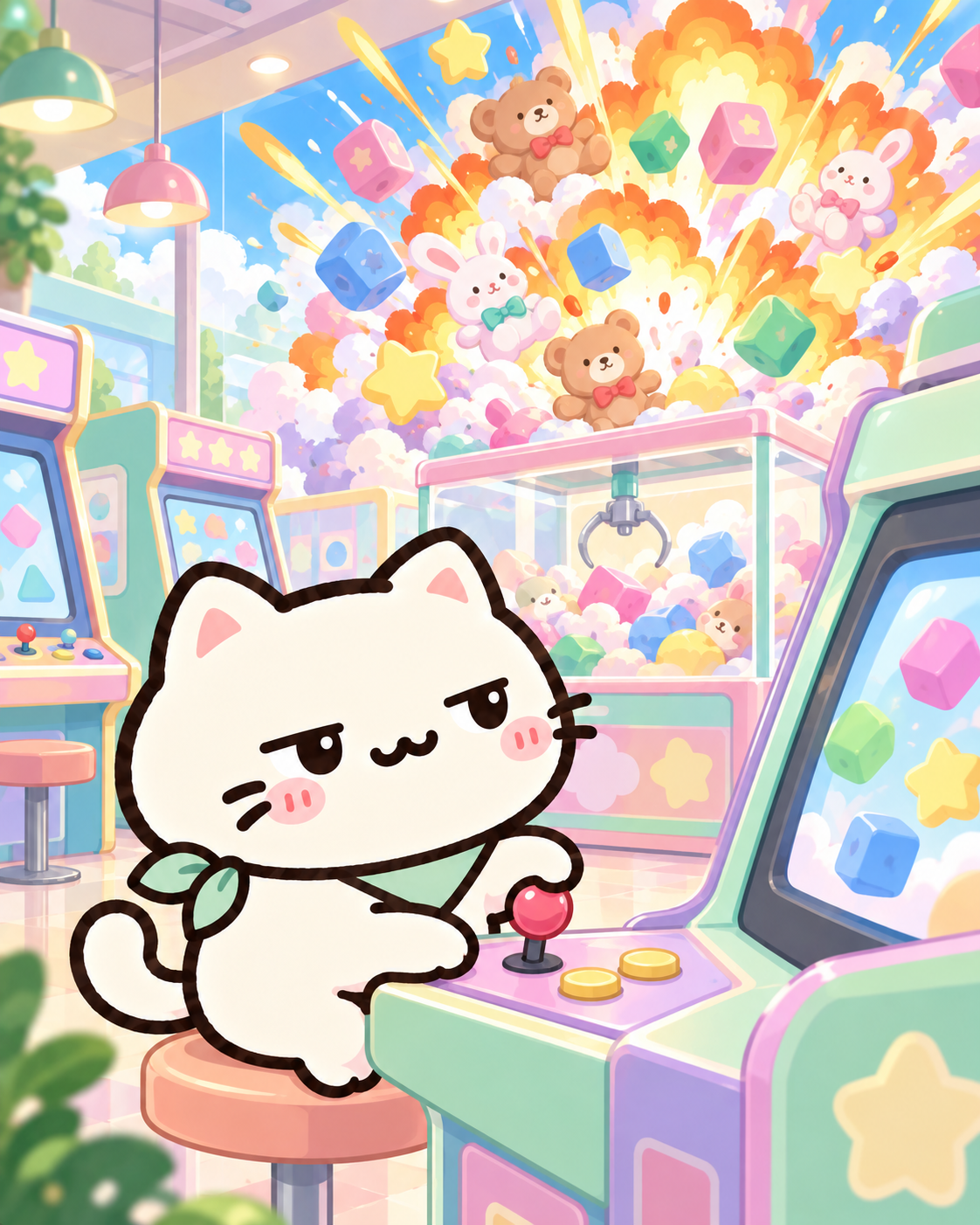
Totally calculated.

Inside voice.

Light work.

Worth the popcorn.

Chef's special.

Just chilling.

Right on time.
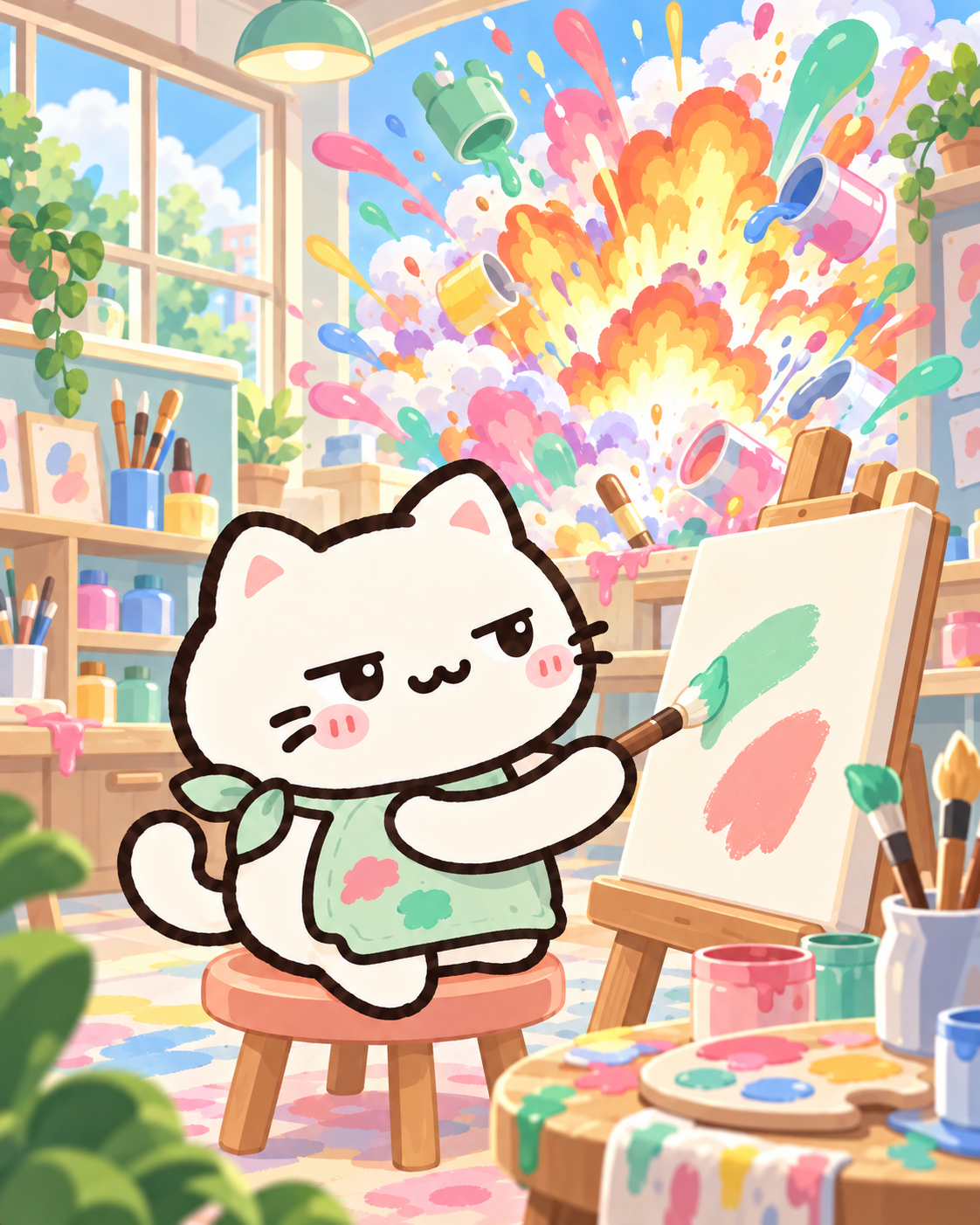
Happy little accidents.
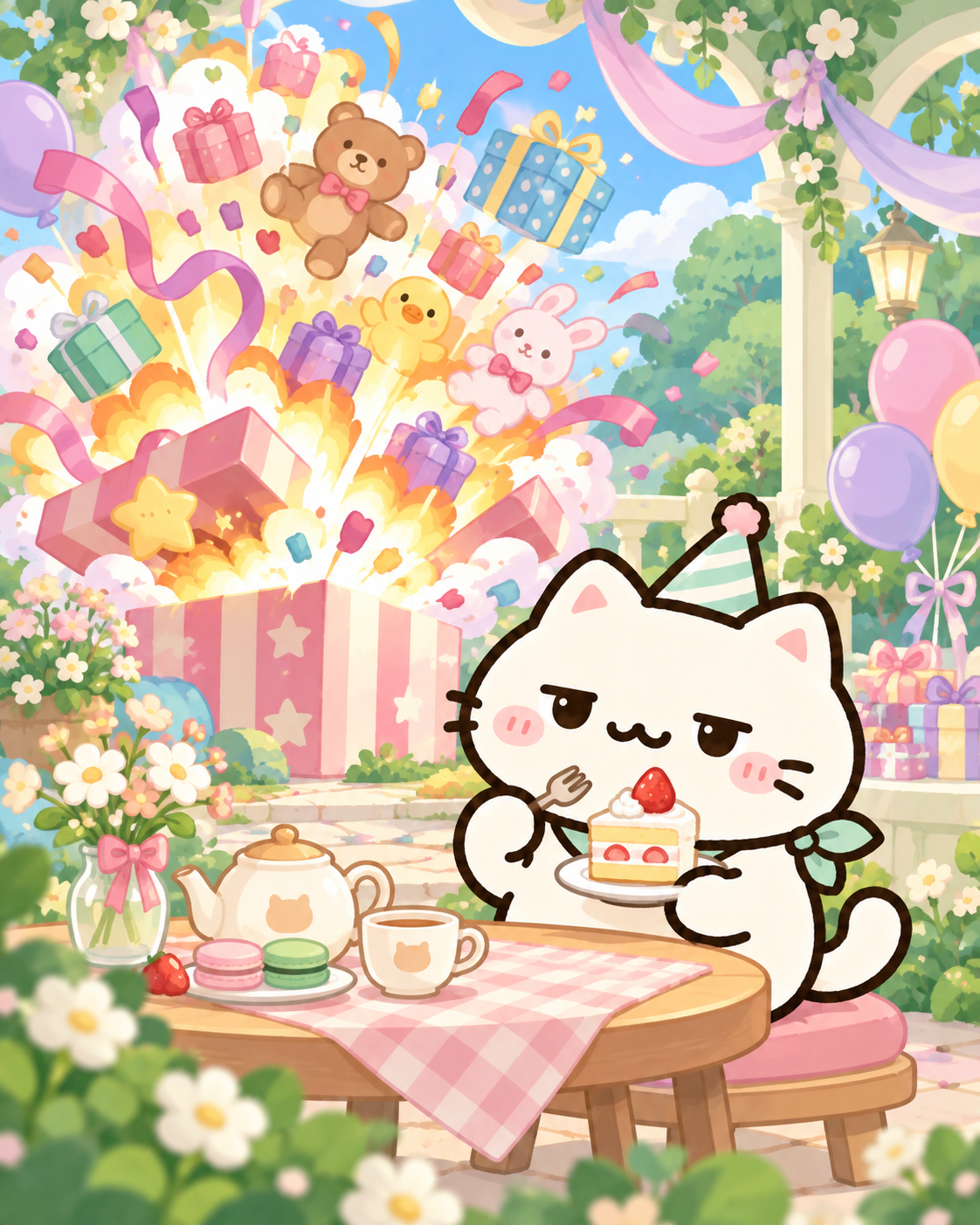
Make a wish.
The album shows a collected total and two filters: All cards and Collected. All cards includes uncollected slots marked “Still in the mail.” Collected narrows the view to owned designs. Select an owned card to see its full artwork and caption, then use “Back to collection” to return. A card can also show a sharing action; sharing is not an additional collection requirement.
Postcards are saved separately from combat progress in this browser. They do not sync to another browser or device, and the game’s downloaded save backup does not include them. Clearing site data removes the local album. Restoring a game backup can restore campaign records without restoring postcards that were removed. Read why postcards stay in their original browser before moving your game or clearing site data.
If the game says browser saving could not be confirmed, keep the current tab open and use “Try saving again” when offered. A card can be visible for this visit without being confirmed saved for your next visit. If only the image fails to load, the artwork retry action is separate from collection status; check the saved message before assuming the card was lost.
For a quick visit, collect the envelope and then choose “Let’s play.” The beginner guide covers the controls; the loadout guide helps with firing roles, and Levels & bosses lists the next campaign stop.
The offer is fixed for the local calendar day. A reload is not a new day and does not move the catalogue forward.
No. This game’s postcard album uses local browser storage, and the daily card is independent of campaign wins.
The Rebirth action does not modify the postcard store. Clearing site data is different and can remove the album.
No. A postcard can share a setting with a campaign level, but its collection rule is the daily date rotation.